


Plans, Pricing, and What Subscribers Pay

Plans define how you sell your content. Each plan consists of a name, price, and billing cycle. Subscribers join plans to gain access to the specific content you have assigned to them.
Free and paid plans
Free plans provide immediate access without payment. Use free tiers to build an audience or offer content samples.
Paid plans require you to set up a payout account.
- Payout requirement: You must connect your payout account before creating a paid plan.
- Currency: All payments are currently processed in GHS.
Billing cycles
Fansted supports three billing frequencies:
- Monthly – Charges subscribers automatically every month on the same calendar date.
- Yearly – Charges subscribers automatically once per year.
- One-time – Charges a single fee for lifetime access. This type does not renew.
Create a plan
- Navigate to your dashboard and select Plans.
- Click Create Plan.
- Enter a plan name (maximum 100 characters).
- Provide a description detailing the included benefits.
- Select a billing cycle and set the price.
- Click Save.
Assign content to plans
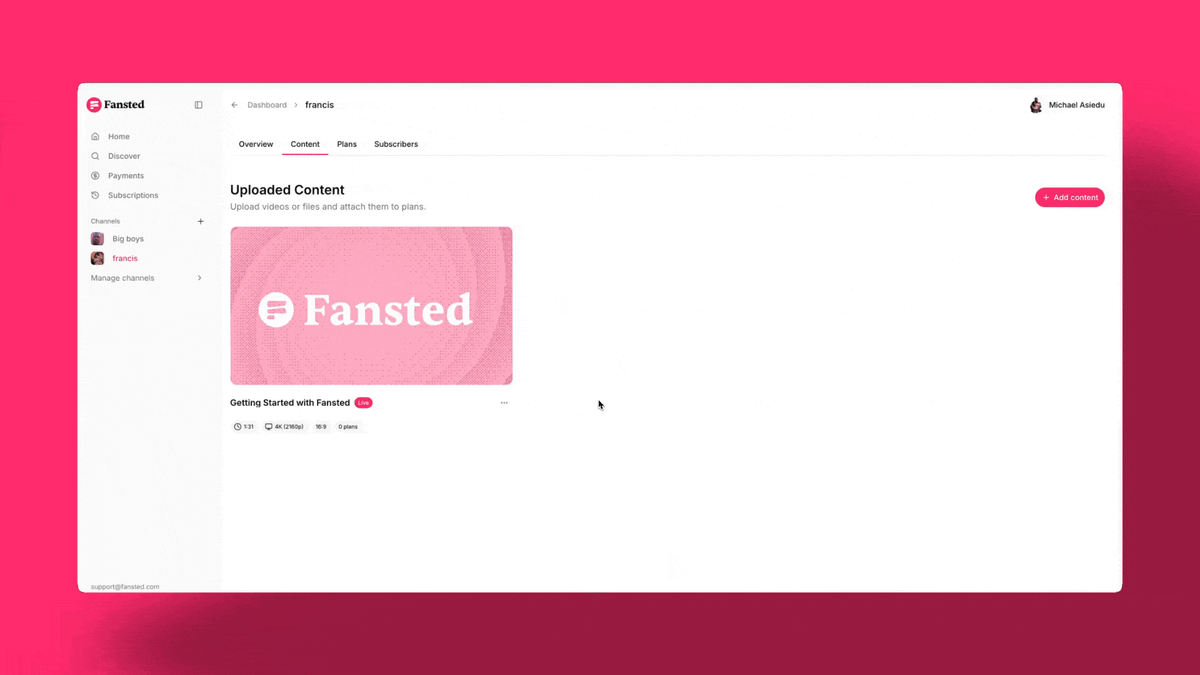
A plan does not include content by default. You must manually link items from your library to specific plans.
- Open the Plans section in your dashboard.
- Select the target plan and click Add Content.
- Choose the videos or downloadable files you want to include.
- Click Confirm.
Subscribers to that plan instantly receive access to the assigned items. For more details on content management, refer to the Upload and manage content guide.
Update plan prices
You can change the price of any plan at any time. Fansted enforces a Grandfathering Policy for all recurring subscriptions:
- Existing subscribers: Their billing rate remains at the original price they signed up for. If you increase a plan price from GHS 10 to GHS 20, existing subscribers continue to pay GHS 10 indefinitely until they cancel.
- New subscribers: Anyone subscribing after the price update pays the new rate.
To move existing subscribers to a new price point, you must create a new plan and request that they migrate.
Delete a plan
Deleting a plan removes it from your public channel page immediately. New users cannot subscribe to a deleted plan.
Effect on current subscribers
- Retention: Existing subscribers maintain full access to the plan's content until their current billing period expires.
- Cancellation: Fansted automatically terminates the recurring billing instruction at the payment provider. This ensures subscribers are not charged for the next renewal cycle.
- Notification: Subscribers receive an automated email detailing their access end date and the reason for the plan removal.